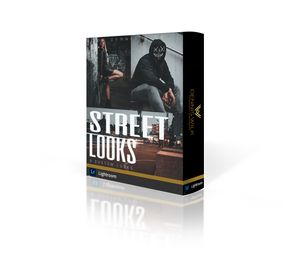
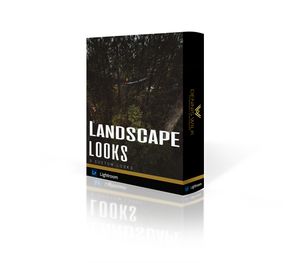
Dieses Toolbox gibt dir den perfekten Startpunkt für deine Bearbeitung.
RAW - To JPG
Der leichte Moodx Look in Braun tönen gehalten und dazu alle einstellungen die du für eine gute Bearbeitung brauchst.
Dynamic
Matter
Color
Schatten
Lichter
Tiefen
WB warm
WB kalt
der Perfecte Startpunkt! Steig jetzt ein in deine perfecte Bearbeitung.
How to install
First, in Lightroom, go to the Lightroom Preferences (NOT Catalog Preferences) and make sure that the "Store preset with this catalog" option is not checked.
Then, navigate to the Camera Raw Settings folder and copy the .xmp preset files to that folder. Here is an alternate method of locating that folder:
Mac: ~ / Library / Application Support / Adobe / CameraRaw / Settings
Windows: C: \ ProgramData \ Adobe \ CameraRaw \ Settings
Alternately, you can access the folder with this method:
Open Lightroom CC (make sure it is updated to the new version)
Go to Lightroom Preferences
Click the "Preset" section at the top
Vintage Retro Looks
Click the "Show Lightroom Presets Folder"
Ignore the folder it highlights, and instead go up to the Camera Raw folder and open it
Open the Settings folder and copy your .xml presets files into this folder
Restart Photoshop or Lightroom Classic and the presets/profiles should be installed.
NO REFUNDS OR EXCHANGES ON DIGITAL PRODUCTS